


Canon
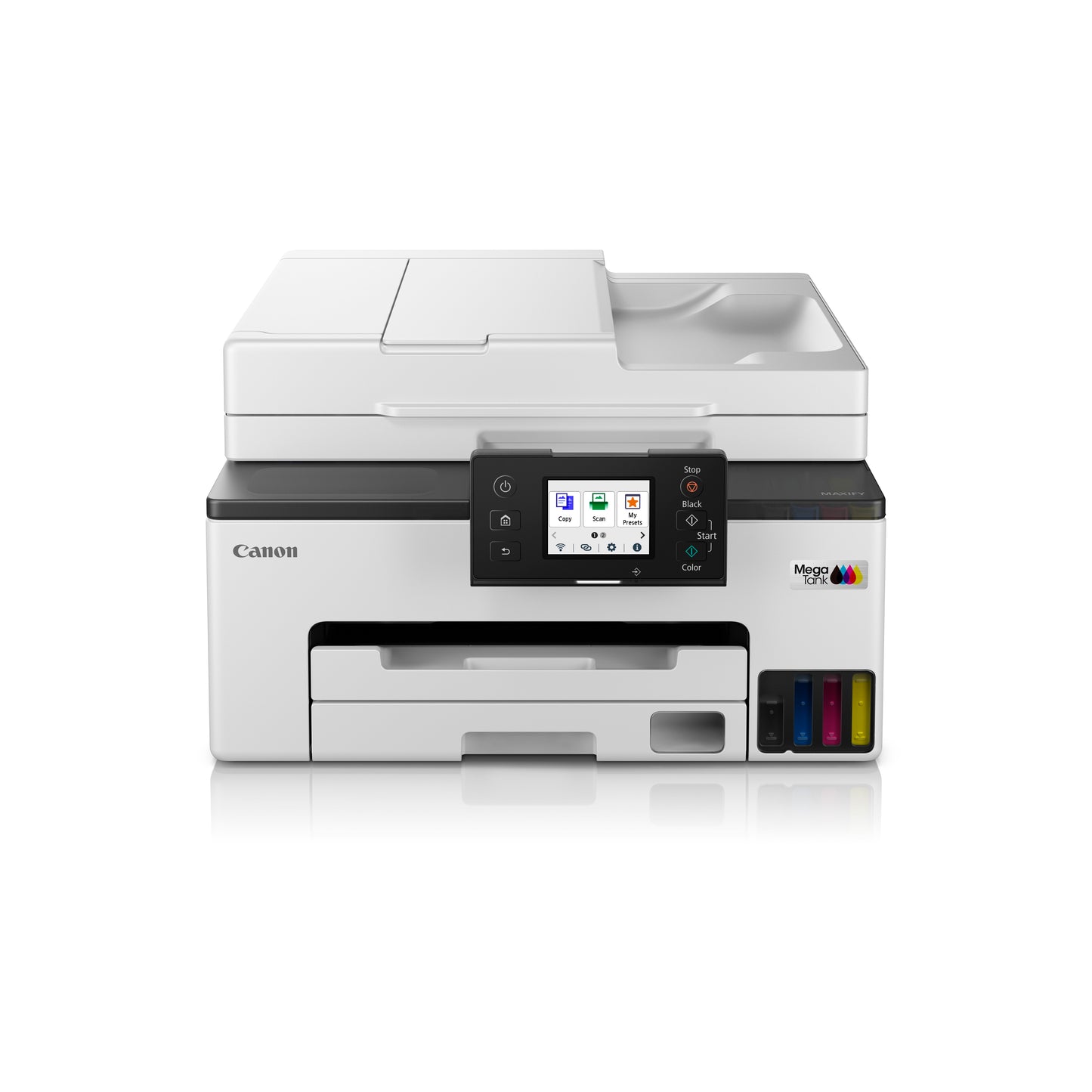
Canon GX2070 Multi-Function Color Ink Tank Printer with LCD Touchscreen
Canon GX2070 Multi-Function Color Ink Tank Printer with LCD Touchscreen
Couldn't load pickup availability
Easy Returns | Fast Shipping | Terms Apply
Printerland Benefits

GST Invoice Available

Secure Payments

365 Days Help Desk
Canon MAXIFY GX2070 Price in India | All-in-One Colour Ink Tank Printer
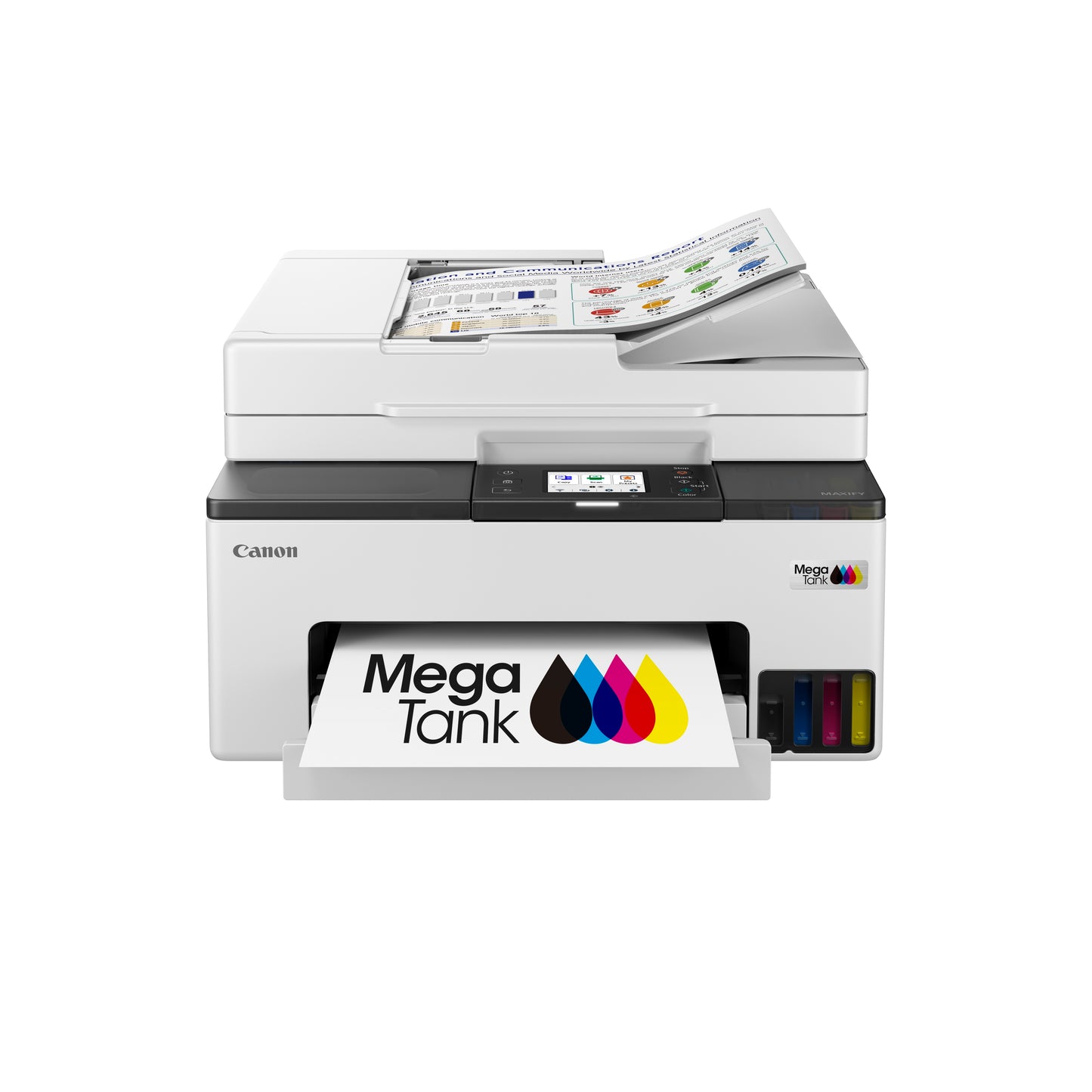
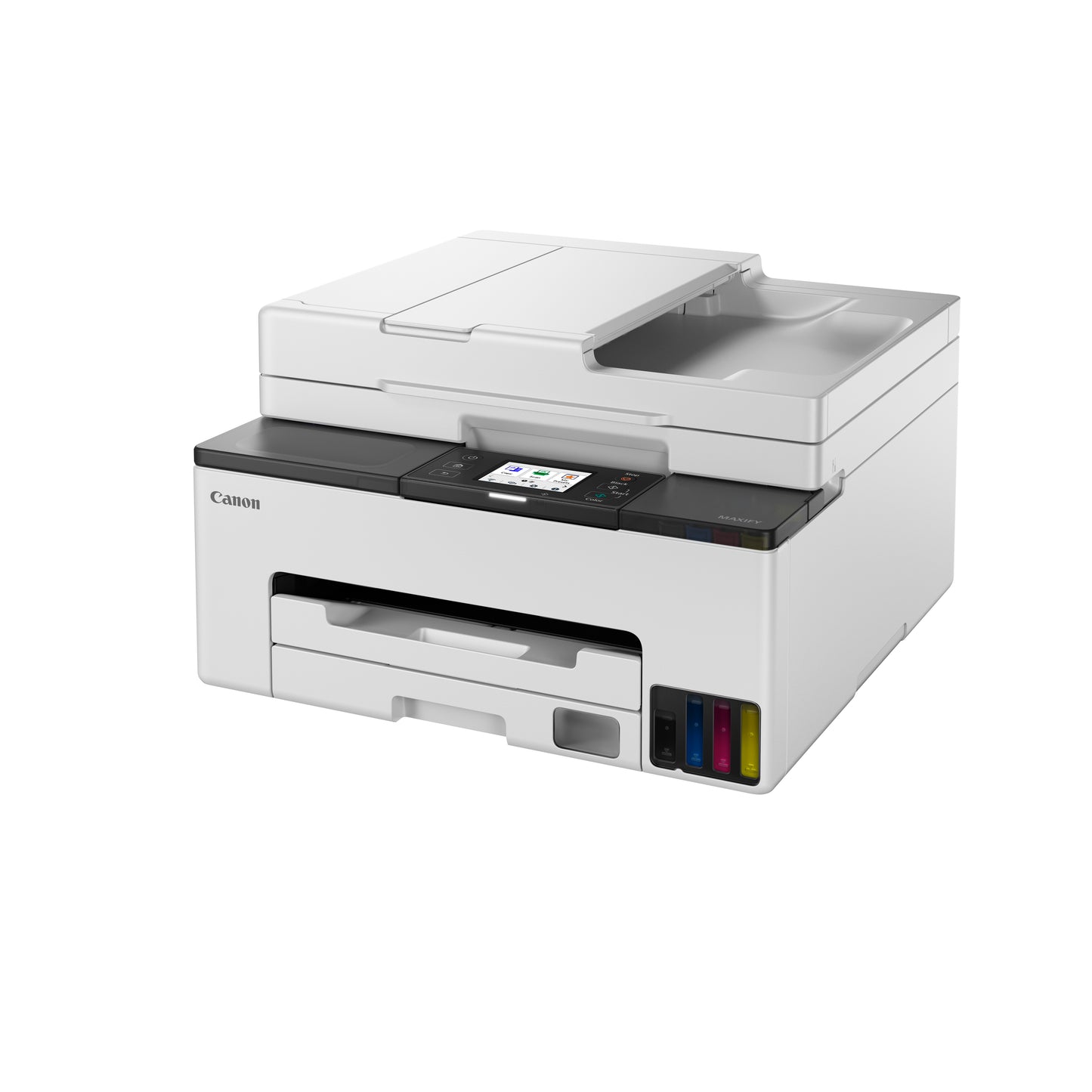
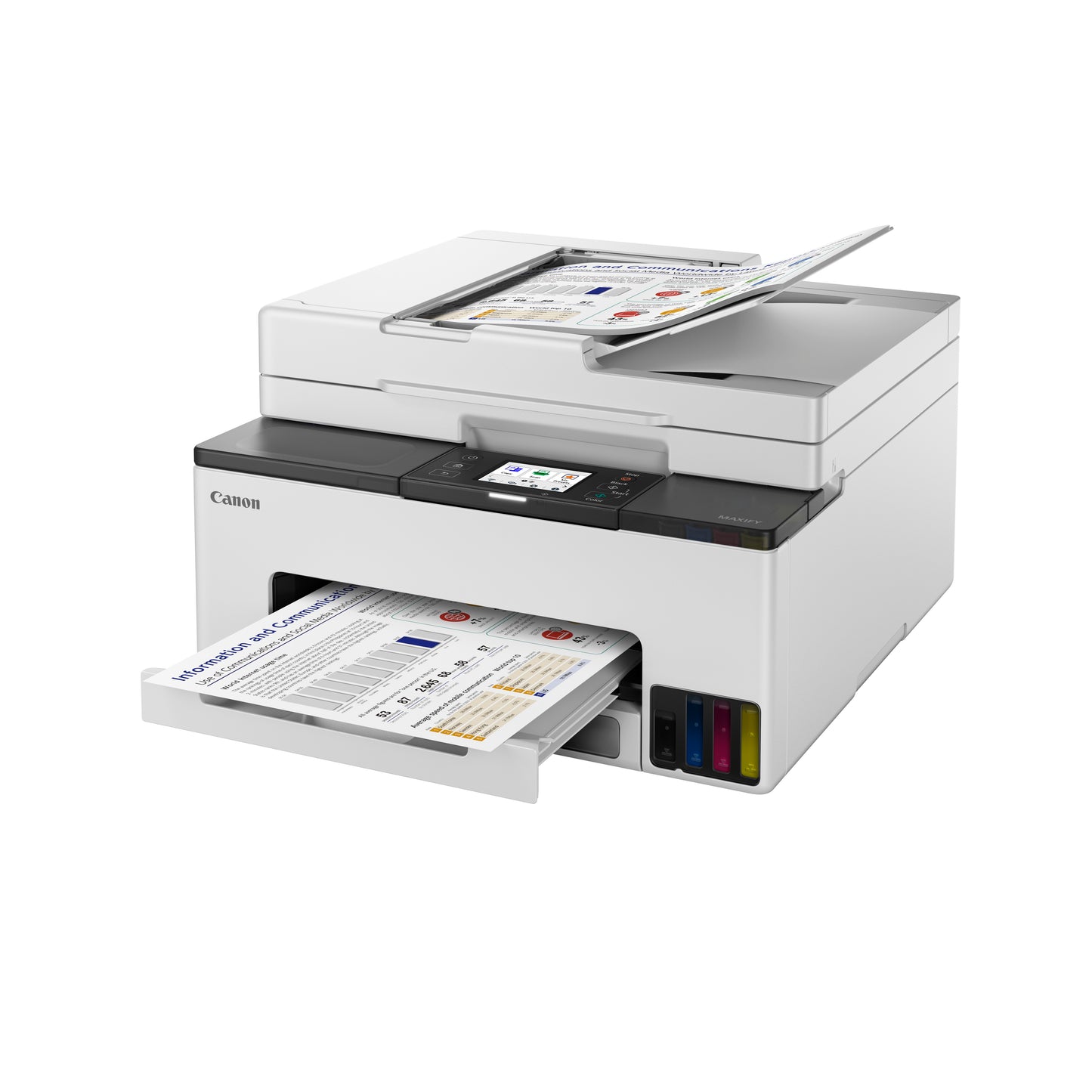
The Canon MAXIFY GX2070 is a MegaTank wireless all-in-one printer built for home offices and small businesses that need low-cost, high-volume colour printing. Combining Print, Copy, Scan and Fax in a single compact device, the GX2070 delivers reliable everyday performance with minimal running costs.
With high-yield ink bottles capable of printing up to 4,500 pages in economy mode for both mono and colour documents, quick-drying pigment black ink, and a 35-sheet Auto Document Feeder for fast batch scanning, the GX2070 is designed to keep small offices productive without the worry of frequent ink refills.
✅ Why Choose the Canon MAXIFY GX2070?
- ✔ High-Yield MegaTank Ink System — up to 4,500 pages (economy mode)
- ✔ 4-in-1: Print, Copy, Scan & Fax
- ✔ 35-Sheet Auto Document Feeder
- ✔ LCD Touchscreen for Easy Navigation
- ✔ Wi-Fi, Wi-Fi Direct & Mobile Printing (Canon PRINT, AirPrint, Mopria)
- ✔ Automatic Duplex Printing
- ✔ Quick-Drying, Water & Fade-Resistant Pigment Black Ink
- ✔ Low Cost Per Page for High-Volume Printing
Technical Specifications
| Feature | Canon MAXIFY GX2070 |
|---|---|
| Printer Type | All-in-One Colour Ink Tank Printer |
| Functions | Print, Copy, Scan, Fax |
| Print Speed | Up to 15 ipm (Mono), 8 ipm (Colour) |
| Monthly Duty Cycle | Up to 27,000 pages |
| Display | LCD Touchscreen |
| Document Feeder | 35-Sheet Auto Document Feeder |
| Connectivity | Wi-Fi, Wi-Fi Direct, USB, Ethernet |
| Mobile Printing | Canon PRINT Business, Apple AirPrint, Mopria |
| Ink System | MegaTank (Compatible: MC-G05 Maintenance Cartridge) |
| Sleep Mode Power Consumption | 0.1 W |
| Operating Temperature | 5°C to 35°C |
| Operating Humidity | 10–95% RH (Non-Condensing) |
🔗 Reliable Connectivity for Home & Office
The GX2070 connects via Wi-Fi or Wi-Fi Direct, letting you print and scan from computers, smartphones, and tablets without extra hardware.
🖨️ Consistent, Fade-Resistant Print Quality
Quick-drying pigment black ink ensures documents resist smudging, fading, and water exposure — ideal for invoices, contracts, and important paperwork.
♻️ Low-Cost, High-Volume Printing
With high-yield ink bottles and a MegaTank refill system, the GX2070 dramatically reduces cost-per-page compared to cartridge-based printers — ideal for growing businesses with regular print demands.
Is the Canon MAXIFY GX2070 the Right Printer for You?
| Requirement | Recommendation |
|---|---|
| Home Office / Small Business Use | ✅ Excellent |
| High-Volume Colour Printing | ✅ Recommended |
| Low Running Cost | ✅ Excellent |
| Wireless & Mobile Printing | ✅ Yes |
| Fax Support | ✅ Included |
| Automatic Duplex | ✅ Included |
Compatible Consumables
| Product | Model |
|---|---|
| Canon Maintenance Cartridge | MC-G05 |
Perfect For
- Home Offices
- Small & Medium Businesses
- Startups
- Retail Counters
- Educational Use
Why Buy from Printerland?
- ✔ 100% Genuine Canon Products
- ✔ Competitive Prices
- ✔ GST Billing
- ✔ Fast Shipping Across India
- ✔ Reliable After-Sales Service
Order Canon MAXIFY GX2070 Online at the Best Price in India
Experience low-cost, high-volume colour printing with the Canon MAXIFY GX2070 All-in-One Ink Tank Printer. Order now from Printerland for genuine Canon products, competitive pricing, and nationwide delivery.
Frequently Asked Questions
Does the GX2070 support fax?
Yes, it supports Print, Copy, Scan, and Fax functions.
How many pages can the ink bottles print?
Up to 4,500 pages in economy mode for both mono and colour.
Can it print wirelessly?
Yes, via Wi-Fi and Wi-Fi Direct, with mobile printing support.
Does it support duplex printing?
Yes, automatic two-sided printing is included.
- Choosing a selection results in a full page refresh.
- Opens in a new window.